
ProPresenter help & training
Stuck in ProPresenter? Let’s get it working.
I’m Nathan — 12+ years running church production, and ProPresenter is where most teams get stuck. Screens that won’t behave, stage display mysteries, a livestream that looks nothing like the room. All fixable — usually faster than you’d think.
Start with my free training library below. If you’d rather have it solved with you, that’s what a session is for.

Why church teams trust this training
Free download
The ProPresenter quick-start cheat sheet
The one-page reference I hand every team I train — the settings that matter, the order to set them, and the fixes for the classic Sunday-morning surprises. Print it and tape it to the booth.
Free ProPresenter training
My most-watched ProPresenter trainings — free, no signup
These six cover the problems I get asked about most. Watch the one that matches yours.

Interface Training & Basics for Beginners
The whole interface, explained the way a volunteer needs it.

Screen Setup & Configuration
Audience screens, stage screens, outputs — set up right the first time.

Create a Live Stream Output
Clean lyrics and slides on your stream, without wrecking the room.

Themes & Templates Training
Consistent, good-looking slides your whole team can reuse.

Stage Display Essentials
Give your worship team the confidence monitor they keep asking for.

Backup & Organize Pro7 Files and Media
Never lose a service to a crashed computer or a missing file again.
Want the rest? The full channel is free — new church-tech training every week.
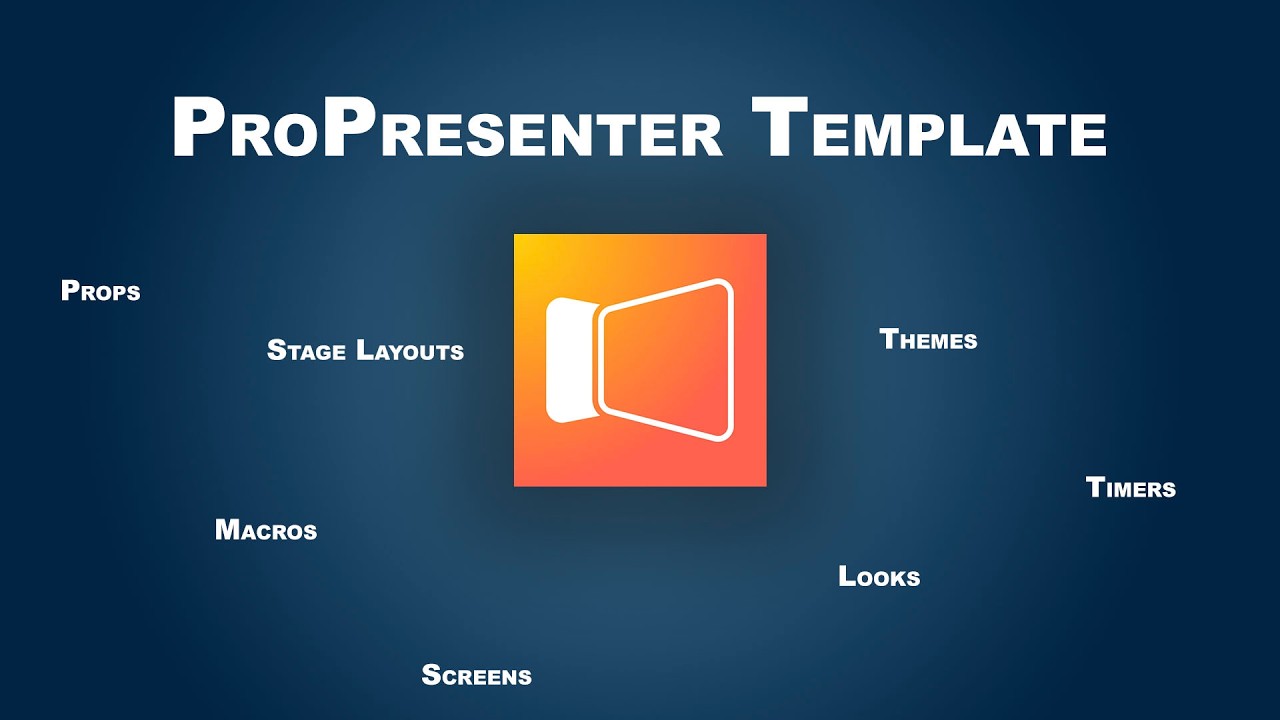
Skip the from-scratch grind
The ProPresenter Quick Start Template
Everything above teaches you to build it yourself. This is the shortcut — my complete, church-ready ProPresenter setup: themes, lyric and sermon looks, stage display layouts, and the structure volunteers can actually run.
- Install it and be presentation-ready today
- Built by a church tech, for church teams
What church teams say after working with us
“I'm so grateful for your time. It has meant so much to have you as a resource — and I can almost guarantee we'll be back soon with another list of questions.”
“We'd spent hours trying to figure this out on our own. Having someone who can jump into a system like this, identify the issues, and teach us while fixing them — our church has been missing this kind of expertise for a long time.”
“We brought Nathan to Texas for four days and he saved us. He observed a Sunday, then spent a few days working on our systems while training our staff and volunteers. He even gave a report in our staff meeting — his observations, his suggestions, and the work he'd done with the team. We are so grateful.”
“We've had several people look at our systems, but no one has articulated our problems as clearly as Nathan. We'll put his suggestions in place as funding allows — and, as he told us, we're starting by making the most of what we already have, and only buying new gear if it truly becomes necessary.”

Still stuck? Work with me
Book a session and we’ll fix your ProPresenter together
Some problems are faster to solve screen-to-screen. In a single session I look at your setup — screens, stage display, livestream output, the works — diagnose what’s actually wrong, and we get it solved.
- Your actual system, not generic advice
- Solved in the session — or you leave with an exact written path
- You learn it as we fix it, so it stays fixed
$149 · 45 minutes · screen-to-screen with Nathan.