
2 images · swipe or use arrows
hardware
Ships freeLED Christmas Tree Controller — +400 LED Pixels
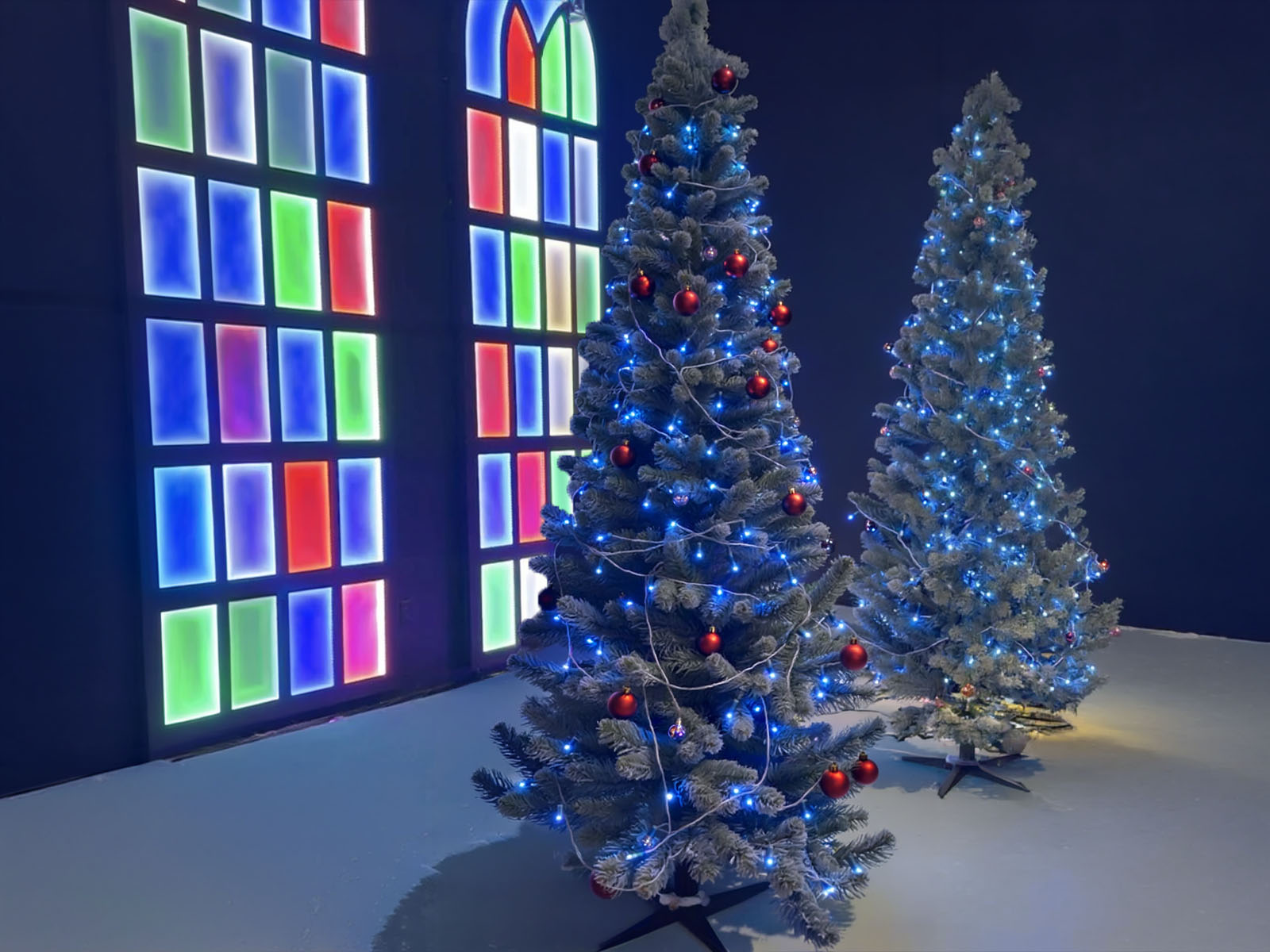
Control your LED Christmas tree over WiFi via Art-Net from your stage lighting board. Includes the controller, power supply, and 8 strands of 50 pixels — 400 total.
- Controller + power supply + 8 strands of 50 LED pixels (400 total)
- Art-Net over WiFi — drives from any modern lighting console
- Each pixel addressable individually, or grouped by strand/zone
- Web-based configuration — no desktop software required
Christmas programs are getting more ambitious every year. This controller lets you drive a fully pixel-mapped LED Christmas tree from the same lighting console you’re already running your stage wash on — no separate software, no extra operator.
What’s in the box
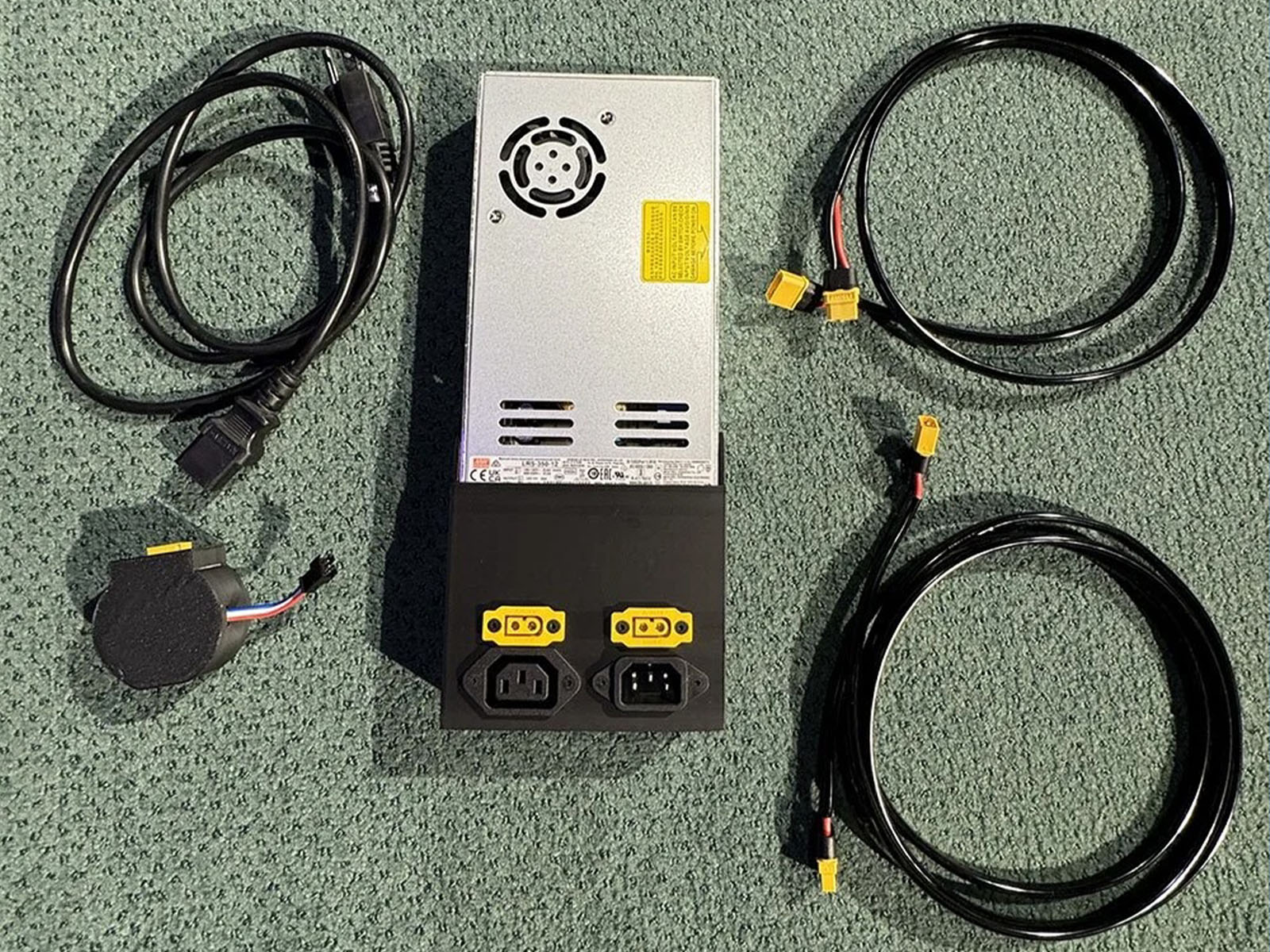
- 1× LED pixel controller (WiFi + Art-Net, configurable via web interface)
- 1× power supply sized for the included pixel count
- 8× strands of 50 LED pixels each — 400 pixels total
- Wiring diagram and setup documentation
How it works
- Mount the controller near the tree and connect the power supply
- Connect to WiFi via the controller’s web interface
- Configure zones if you want to group pixels (e.g., by tree level)
- Send Art-Net from your console — the controller listens on a configurable universe
Works with any Art-Net-capable lighting console or software: grandMA, ChamSys, ETC, MADRIX, Resolume, even home-software setups.
Who this is for
Churches, live event producers, or home holiday enthusiasts who want pixel-level control of a tree without running a dedicated computer. Also great for permanent stage installations that need a compact controller without a central lighting PC.
Shipping
Ships from Ohio (US only at launch). Reach out via the contact form for international or bulk inquiries.
More like this
Other hardwares you might like.
hardware
LED Stick System — 6-Pack Stage Kit
Six 6.6ft LED sticks with bases, power supply, daisy-chain cables, and Mac control app. A complete plug-and-play stage lighting kit, ready to ship from Ohio.
hardware
StreamDeck XL Controller — PoE+ Raspberry Pi 5 Build
Deploy a StreamDeck anywhere on your network — no computer required. A fully standalone Bitfocus Companion Satellite built on a Raspberry Pi 5. Powered over Ethernet (PoE+), ready to control your rig out of the box.
hardware
Wall Mount for 3G / 12G-SDI Converter
Clean up the exit point of your SDI runs. Run the cable down inside the wall, cut a hole, mount the converter. Inputs or outputs route through this tidy wall plate.
Questions about this product?
Ask Handi on the homepage, or send a note and Nathan will personally reply.