Crazy Amazing Designs

template

Bestseller

ProPresenter Quick Start Template

Get a Sunday-ready ProPresenter setup that looks like a big church built it, without spending weeks building it yourself. Works in ProPresenter 22.

$65.99
Buy Now →

Secure checkout via Stripe · Instant download

Look inside

The whole ProPresenter window, already set up

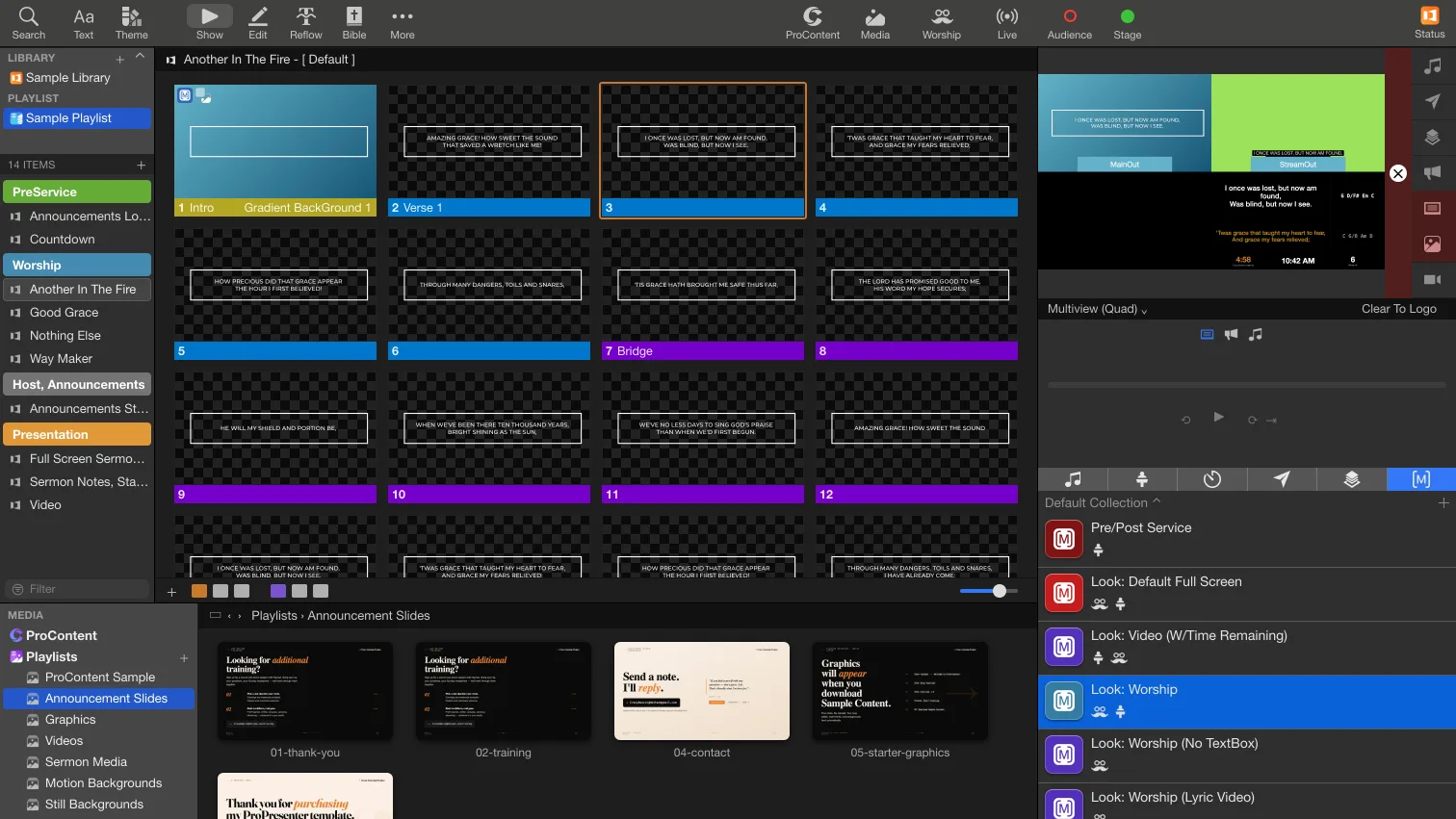
This is ProPresenter with the template loaded, previewing the Multiview: the room, the livestream and the stage screen in one picture. Point at any part of the window (or tap the names on your phone) to see what's already built there.

ProPresenter's Show view with the Quick Start Template loaded: library, playlist, a song's slides, the Multiview preview showing the room, stream and stage screens, macros and media bin

Point at any part of the windowTap a name or a part of the window · ProPresenter with the template loaded

Multiview

Every screen in one picture

The preview is set to the template's Multiview, so the person running ProPresenter sees the room, the livestream and the stage screen at once, and catches a mistake before anyone else does.

  • Multiview (Quad): MainOut, StreamOut and the stage screen side by side, labeled
  • Multiview (3): the same three outputs stacked, for a tall monitor
  • Send it to a spare TV in the booth, or keep it right here in the preview
  • Clear To Logo sits under the preview: one click clears every layer and shows your logo
See what each macro sends to each screen

Macros, looks and themes

One click sets every screen

Pick a macro to see what it does to the room screens, the livestream and the stage screen. These are the template's real macros, looks and themes.

Macros Default Collection

Worship

Sermon

Stream

Service

Stage

Look: Worship

The first slide of every sample song fires this, so the screens switch the moment a song starts.

Room screens MainOut
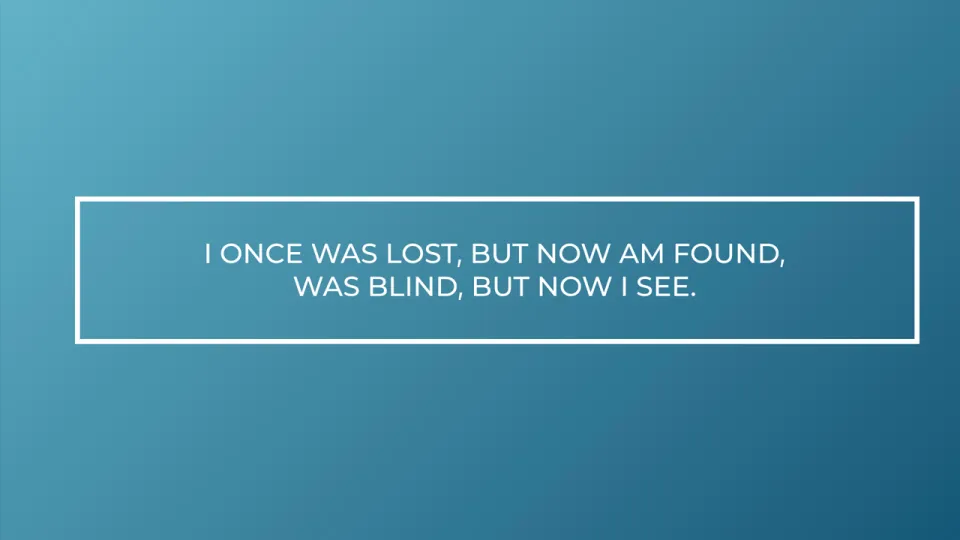
Room screens during Look: Worship

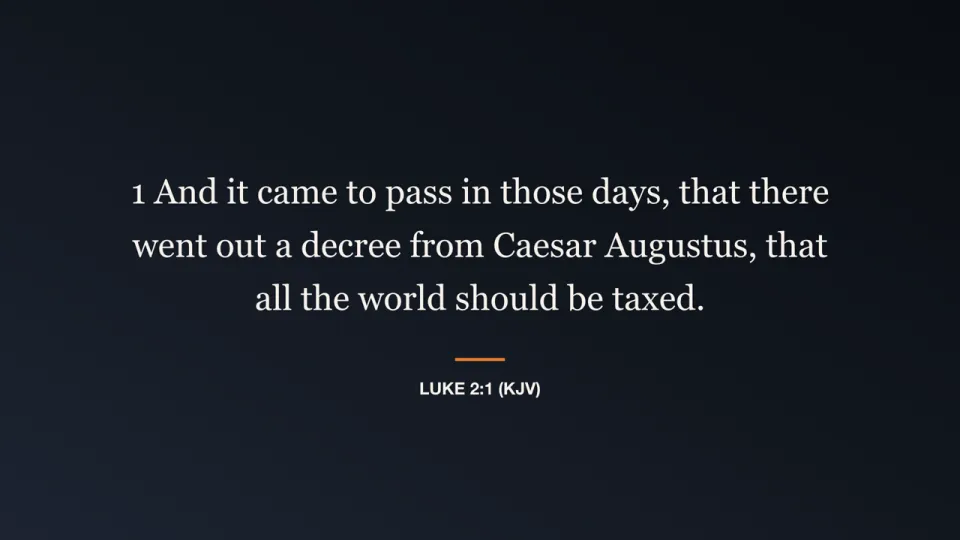
Lyrics on your background

Livestream StreamOut
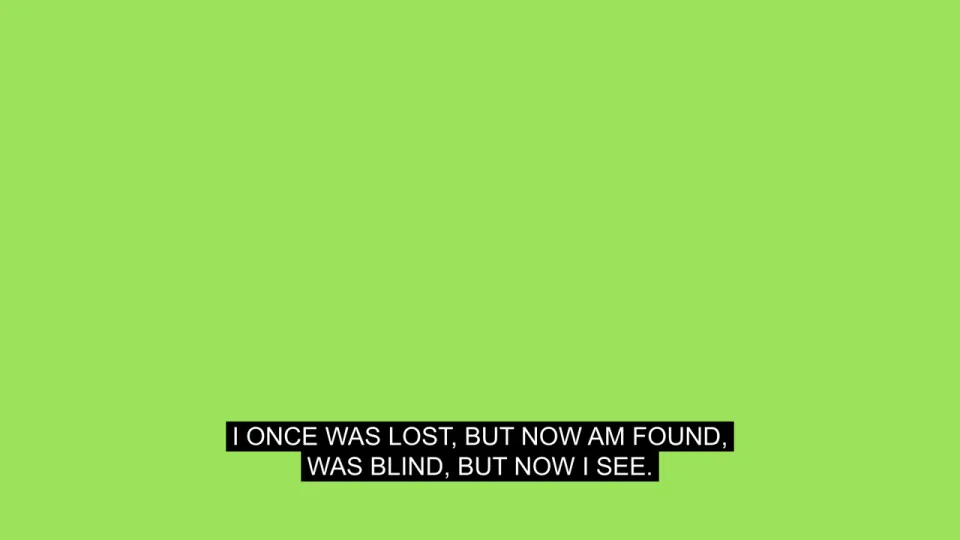
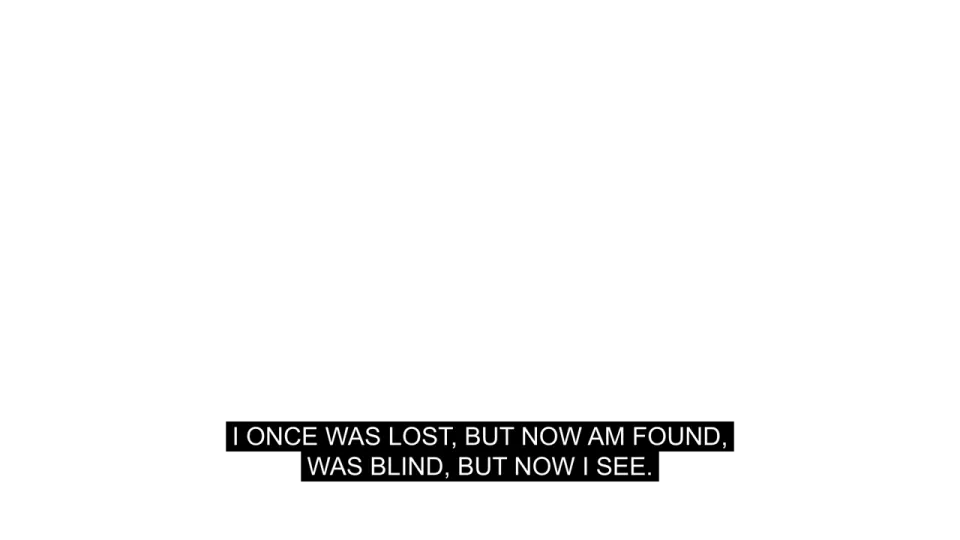
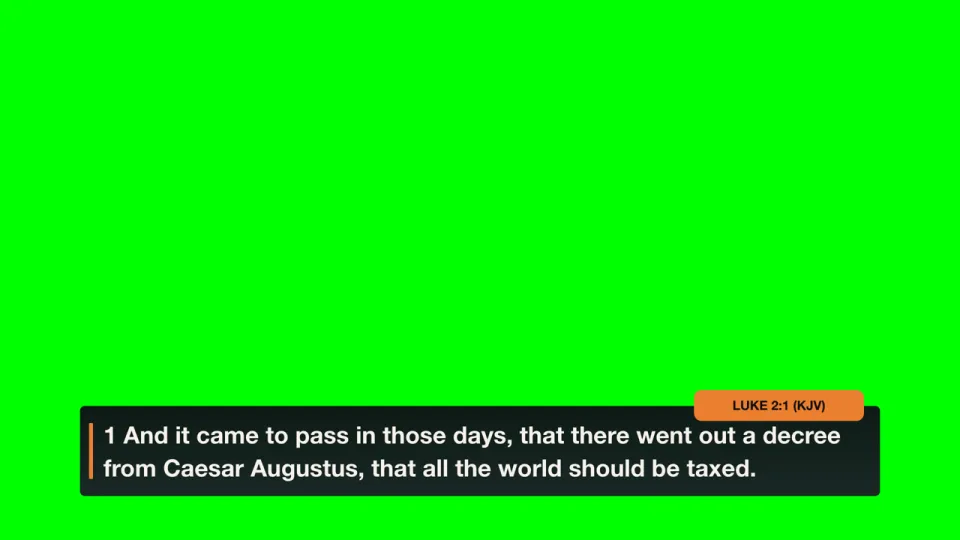
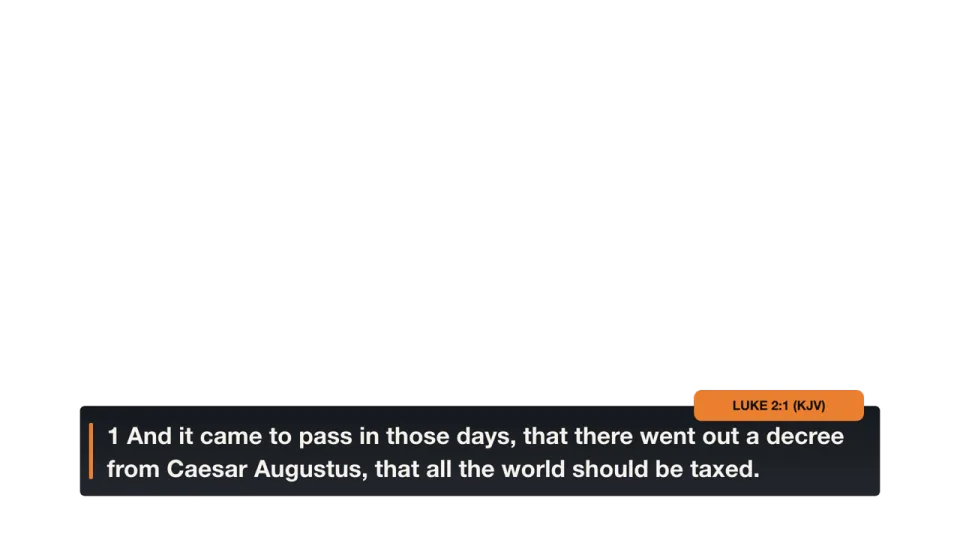
Livestream output during Look: Worship Livestream output (alpha version) during Look: Worship

Worship Themes › chroma lower third

Worship Themes › alpha lower third

Stage screen Worship W/Chords StageD

Stage layout › Worship W/Chords StageD

What this macro does

  • Switches to the Worship look
  • Sets the stage screen to Worship with chords

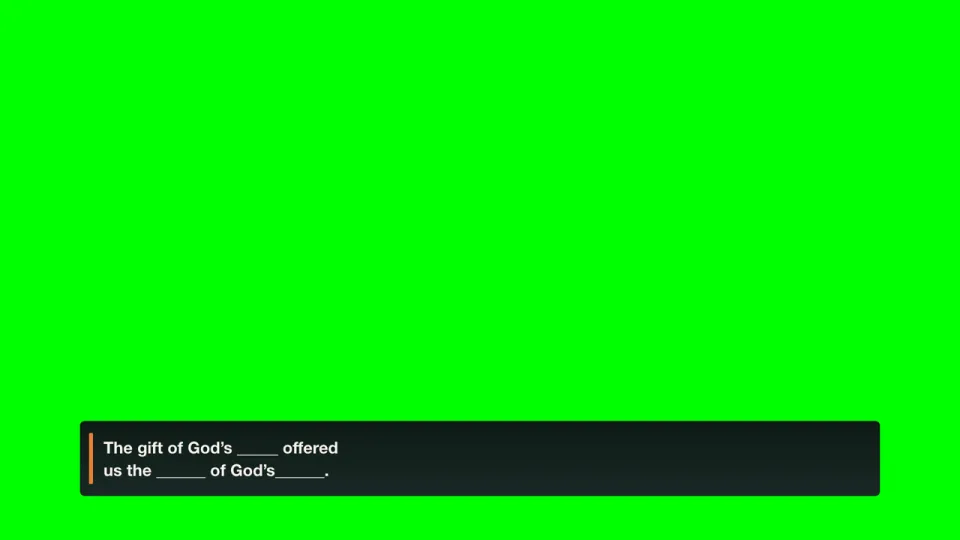
One HDMI to your stream

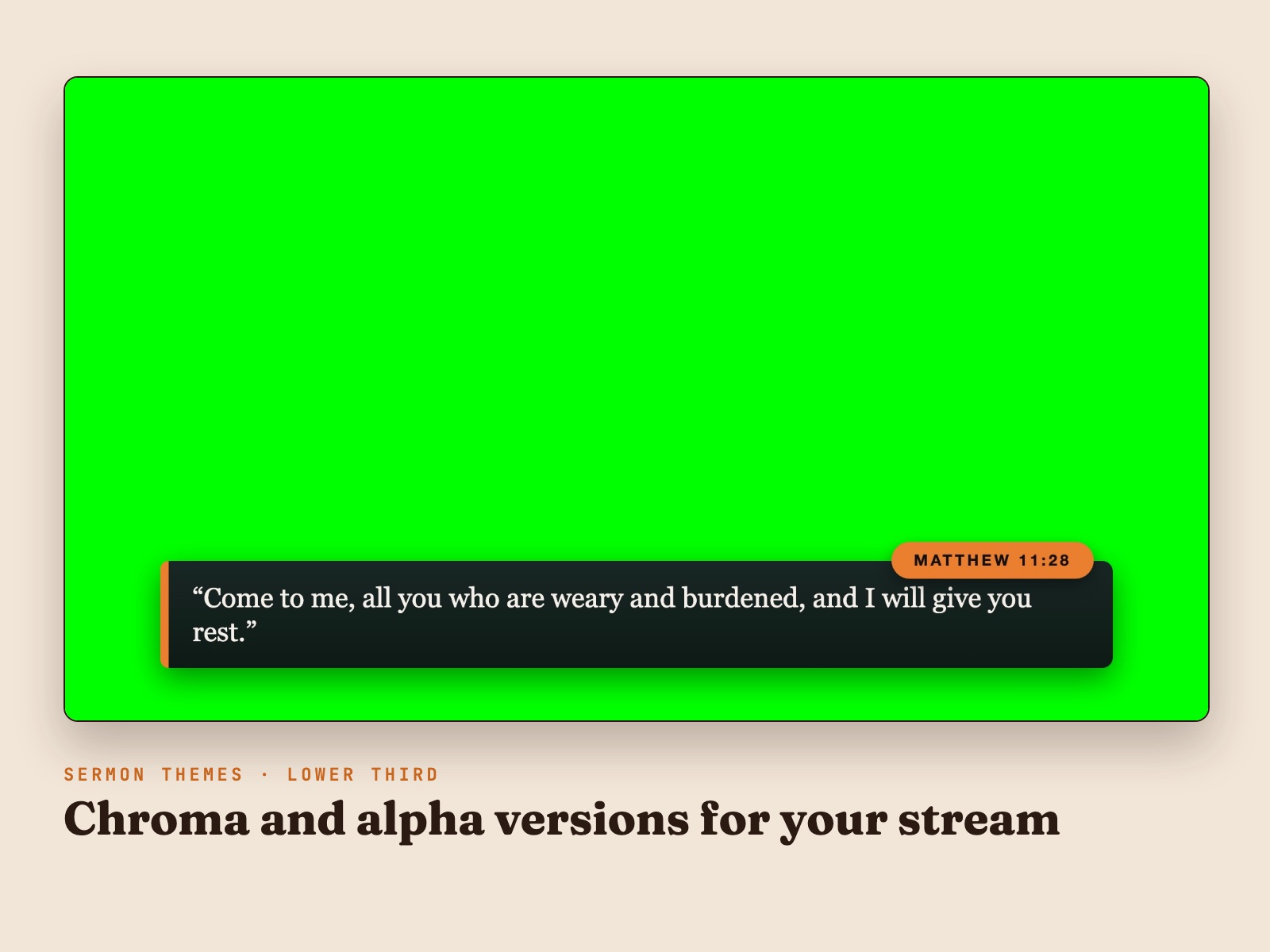
One HDMI to your stream is enough. The stream output puts lyrics and scripture over green, and your switcher keys the green out so the words sit on your camera shot. If your setup can key alpha (key and fill, or NDI with alpha), switch the look's stream theme to the Alpha version. It's already in the template.

Props

Logo, countdowns, name tags and a live stream page

Props sit on top of whatever is on screen. These are the ones in the template, ready to rename and rebrand.

Live stream page

For churches that stream straight from ProPresenter: switch between the camera and your slides, or put one picture-in-picture over the other, with one click.

Full CameraYour camera, full frame.
Your slides
Full GraphicsYour slides or graphics, full frame.
Your slides
Full Cam, Graphics SmallCamera full frame with the graphics picture-in-picture.
Your slides
Full Graphics, Small CamGraphics full frame with the camera picture-in-picture.

Swipe for more props →

SERVICE BEGINS IN:
4:58
Gathering Starts In:A countdown bar for the minutes before service.
Welcome to
Church Online
Welcome!"Welcome to Church Online" for the start of the stream.
Pastor's Name Here
Description, Title
NameTagLogo, name and title for a speaker.
Henry Oberton
Lead Pastor
Nametag: HenryA name bar in the template's slate color.
LogoThe logo Clear To Logo shows. Swap in your church's once.

See it in action

Watch the full walkthrough

On ProPresenter 22? The install is a little different. The step-by-step guide is linked below, and it's included in the download.

A Sunday-ready ProPresenter setup: playlists, songs, sermon layouts, announcements, macros, looks, stage displays, themes and props that already work together. Works in ProPresenter 22.

  • Works in ProPresenter 22, and in every version back to 7.1
  • One-click macros set the room, stream and stage screens together, so a brand-new volunteer can run a service
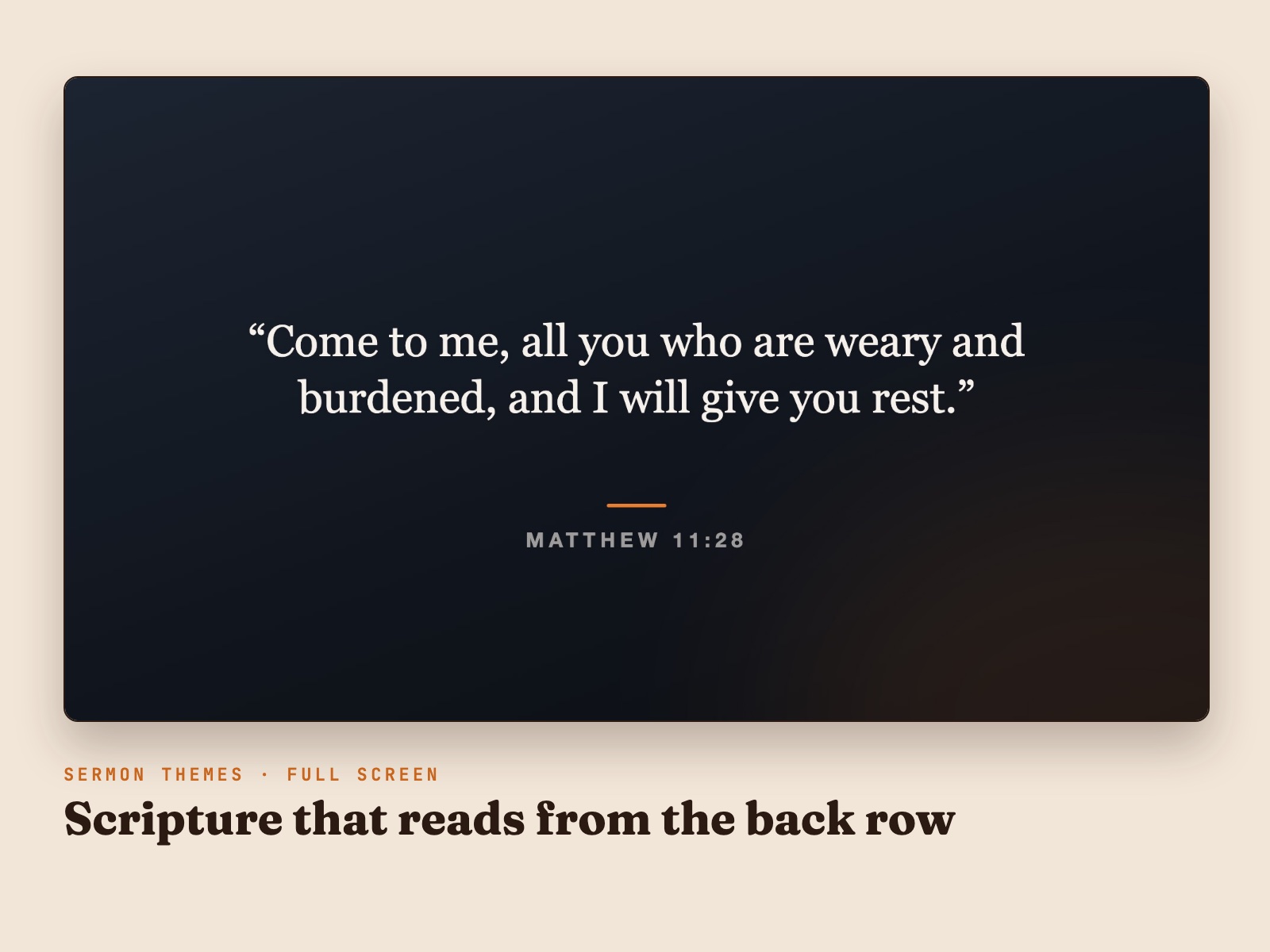
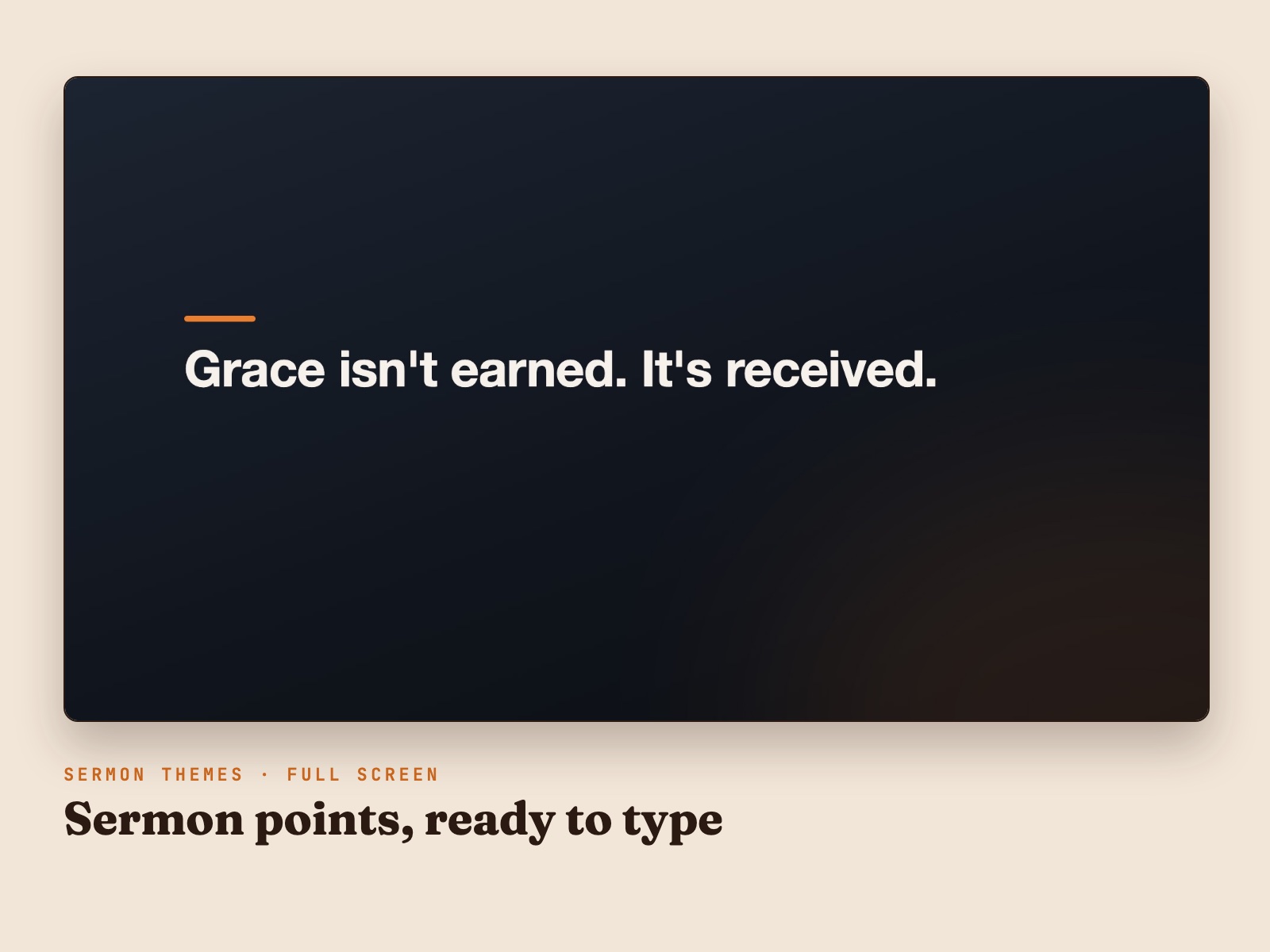
  • Lyrics and sermon slides full screen in the room and as a lower third on the stream, from one HDMI cable (alpha versions included)
  • Stage displays with chords, the next slide, the clock and the pastor's timer
  • A live stream page of props: full camera, full graphics and picture-in-picture, plus Clear To Logo
  • A playlist template, sample songs and announcements with animated stickers (ProPresenter 22)
  • Step-by-step install guide that brings your own songs, themes and media with you

Works in ProPresenter 22, and in every version back to 7.1. The ProPresenter Quick Start Template gives you a Sunday-ready workspace without building everything from scratch: playlists, songs, sermon layouts and announcements, plus the macros, looks, themes, stage displays and props that make them run.

What you get

  • The template itself. One folder you import into ProPresenter. It becomes its own workspace, so your current setup stays exactly as it is.
  • A step-by-step install guide for ProPresenter 22, with steps for versions 20, 21 and earlier.
  • A transfer process that brings your own songs, themes, playlist templates and media into the template.
  • Open ProPresenter Media Folder, a small Mac helper that finds a workspace’s media folder for you.

Install guide

Read How to Install the Quick Start Template in ProPresenter 22 (and Bring Your Songs With You) to see exactly how it works before you buy.

Who this is for

Small and medium churches running ProPresenter that want a professional, consistent setup without spending weeks building it. It works whether you’re brand new to ProPresenter or cleaning up a library that grew without a plan.

Before you buy

Questions, answered.

Will this overwrite my existing ProPresenter content?
No. The template imports alongside what you already have, as its own workspace in ProPresenter 22. Our step-by-step guide walks you through bringing your songs, themes and media in so nothing gets left behind.
What version of ProPresenter do I need?
ProPresenter 7.1 or newer, including ProPresenter 22. You get install steps for ProPresenter 22, the Workspaces versions (20 and 21) and earlier versions. The animated sticker slides need ProPresenter 22 or later.
Can I bring my own songs into it?
Yes. On ProPresenter 22 you export your library as a bundle and import it into the template, and the backgrounds on your slides come with it. The install guide shows every step.
Mac or Windows?
Both. ProPresenter runs on macOS and Windows, and the template works the same on either. The download also includes a small Mac helper that opens ProPresenter's media folder for you.
Is this a subscription?
No. It's a one-time purchase. The files are yours to keep and reuse.

Ready to get started?

$65.99

Secure checkout via Stripe · Instant download

Questions about this product?

Ask Handi on the homepage, or send a note and Nathan will personally reply.